n8n vs Zapier vs Make: Which Automation Tool Is Right for Your Business?
A detailed comparison of the three most popular automation platforms — pricing, features, and when to use each.
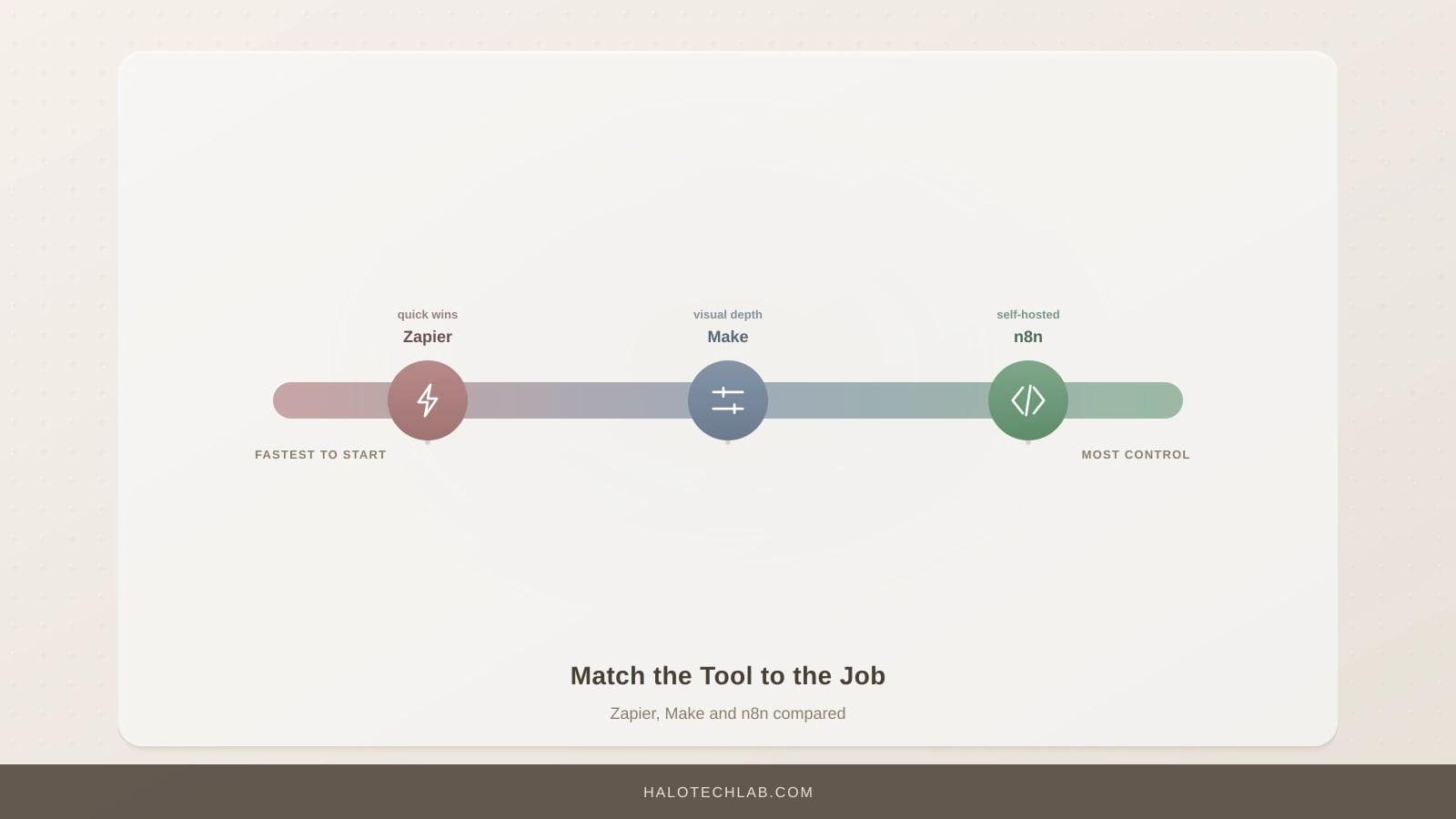
You have decided to automate some of your business processes. Brilliant. Now comes the question that stops most people in their tracks: which tool should you actually use?
If you have spent any time researching, you have probably encountered three names repeatedly: Zapier, Make (formerly Integromat), and n8n. Each has passionate advocates. Each has genuine strengths. And choosing the wrong one can mean months of frustration and wasted budget.
This is not a theoretical comparison. We have used all three extensively across client projects and our own operations. Here is what you actually need to know.
For context on where automation tools fit into a broader strategy, see our complete guide to business automation for UK SMEs.
The Quick Comparison
Before we dive deeper, here is a side-by-side overview of the three platforms.
| Feature | Zapier | Make | n8n |
|---|---|---|---|
| Starting Price | Free (100 tasks/month), paid from £16/month | Free (1,000 ops/month), paid from £8/month | Free (self-hosted), cloud from £18/month |
| Ease of Use | Easiest -- minimal learning curve | Moderate -- visual but more complex | Steepest -- most powerful but requires more setup |
| Integrations | 7,000+ apps | 2,000+ apps | 400+ built-in, plus custom code nodes |
| Self-Hosting | No | No | Yes (free, open source) |
| Customisation | Limited -- pre-built actions only | Moderate -- flexible routing and logic | Extensive -- full code access, custom nodes |
| Error Handling | Basic -- retry and alert | Good -- error paths and fallbacks | Advanced -- custom error workflows |
| Best For | Non-technical users, simple workflows | Visual thinkers, moderate complexity | Technical teams, complex/high-volume workflows |
| Data Residency | US-based | EU option available | Full control (self-hosted) |
| Execution Model | Sequential steps | Visual flow with branching | Visual flow with full programming logic |
Zapier: The Gateway Drug
Zapier is the automation platform most people encounter first, and for good reason. It has the lowest barrier to entry of any tool in this space.
What It Does Well
Zapier excels at simple, linear automations. "When something happens in App A, do something in App B." Its library of over 7,000 integrations is unmatched, meaning it almost certainly supports whatever combination of tools your business uses.
The interface is genuinely intuitive. You choose a trigger app and event, connect your account, choose an action app and event, map the data fields, and you are done. Someone with no technical background can build their first automation in under 30 minutes.
Zapier also offers "Paths" for conditional logic (if this, then that; otherwise, do something else) and "Filters" to prevent automations from running when certain conditions are not met.
Where It Struggles
Zapier's simplicity is also its limitation. Complex workflows with multiple branches, loops, or conditional logic quickly become unwieldy. The pricing model charges per "task" (each action in a workflow counts), which can get expensive for high-volume automations. A five-step workflow processing 1,000 records per month uses 5,000 tasks.
There is no self-hosting option, which matters for businesses handling sensitive data under GDPR. All data passes through Zapier's US-based servers by default.
Custom logic is limited. If you need to transform data in ways Zapier's built-in formatting tools cannot handle, you are stuck. There is a code step, but it is constrained and not designed for heavy lifting.
Pricing Reality Check
Zapier's free tier gives you 100 tasks per month with single-step automations only. That is enough to test the waters, but not much more. Paid plans start at approximately £16/month for 750 tasks, scaling up to £50/month for 2,000 tasks on the Professional plan. High-volume users can easily reach £100-400/month.
Best For
Non-technical business owners who need to connect common tools with simple logic. If your automations are "when X happens, do Y," Zapier is hard to beat.
Make: The Visual Powerhouse
Make (rebranded from Integromat in 2022) occupies the middle ground between Zapier's simplicity and n8n's power. It uses a visual, node-based interface where you build workflows by connecting modules on a canvas.
What It Does Well
Make's visual approach is genuinely powerful for complex workflows. You can see your entire automation as a flowchart, with branches, loops, error handlers, and aggregators all visible at a glance. This makes it far easier to build and debug multi-step workflows compared to Zapier's linear view.
The pricing model is significantly more generous. Make charges per "operation" rather than per task, and its pricing tiers offer more operations for less money. The free plan includes 1,000 operations per month.
Make also offers better data transformation capabilities than Zapier, with built-in functions for text manipulation, date formatting, maths operations, and array handling. It handles webhooks natively, making it easy to connect to services that do not have dedicated integrations.
Error handling is a standout feature. You can create dedicated error paths that trigger when something goes wrong, enabling graceful recovery rather than silent failures.
Where It Struggles
The learning curve is steeper than Zapier's. The visual canvas, while powerful, can be overwhelming for beginners. Terminology like "iterators," "aggregators," and "routers" is not immediately intuitive for non-technical users.
With around 2,000 integrations, Make's app library is solid but significantly smaller than Zapier's. You may find that a niche tool your business relies on has a Zapier integration but not a Make one.
Like Zapier, Make is a cloud-only platform. You cannot self-host it, though it does offer EU data residency options, which is a meaningful advantage for GDPR-conscious UK businesses.
Pricing Reality Check
Make's free tier is generous: 1,000 operations per month with access to all integrations. Paid plans start at approximately £8/month for 10,000 operations. For most SMEs, the Core plan at around £14/month with 10,000 operations and unlimited active scenarios is the sweet spot.
Best For
Business owners or operations managers who need more complex automations than Zapier allows but do not want to write code. Particularly strong for workflows with multiple branches, conditions, and data transformations.
n8n: The Developer's Choice
n8n (pronounced "nodemation") is the most powerful and flexible option, and the only one that can be fully self-hosted. It is open source, meaning you can run it on your own server for free.
What It Does Well
n8n gives you virtually unlimited flexibility. Every workflow can include custom JavaScript or Python code alongside visual nodes. You can build complex logic, manipulate data in any way you need, and create custom integrations for tools that have no pre-built connector.
Self-hosting is the defining feature. You run n8n on your own infrastructure (a £5/month server will handle most SME workloads), meaning your data never leaves your control. For UK businesses processing sensitive client data, healthcare information, or financial records, this is a significant advantage for GDPR compliance.
The execution model is also more efficient. n8n processes all items in a workflow in batches rather than one at a time, making it dramatically faster for high-volume operations. Processing 10,000 records through a five-step workflow that would cost hundreds on Zapier runs in seconds on n8n at no additional cost.
Community-contributed nodes extend the platform constantly, and the ability to write custom nodes means there is genuinely no integration you cannot build.
Where It Struggles
n8n has the steepest learning curve of the three. While the visual editor is well-designed, you will need some technical comfort to get the most from it. Self-hosting requires basic server administration knowledge (or a team that has it).
The built-in integration library is smaller (around 400 nodes compared to Zapier's 7,000+), though custom code nodes and the HTTP request node fill most gaps.
Documentation, while improving rapidly, is less polished than Zapier's or Make's. You will spend more time in community forums and GitHub issues.
Pricing Reality Check
Self-hosted n8n is completely free with no usage limits. The cloud-hosted option starts at approximately £18/month for 2,500 executions. For businesses comfortable with self-hosting, n8n is by far the most cost-effective option at scale.
Best For
Technically capable teams, agencies, and businesses with complex, high-volume automation needs. Also ideal for any organisation where data sovereignty is a priority. Our work on the SYAA project, which required automating operations across 200+ agencies, leveraged n8n's flexibility and self-hosting capabilities extensively.
Decision Framework: How to Choose
Still unsure? Work through these questions.
Are your automations simple (2-3 steps, connecting common apps)? Start with Zapier. You will be up and running in an afternoon.
Do you need complex workflows with branching logic, loops, or data transformation? Make is your best bet. The visual builder handles complexity well without requiring code.
Is data sovereignty critical for your business (healthcare, finance, legal)? n8n's self-hosting option gives you full control over where your data lives and flows.
Are you processing high volumes (thousands of records per day)? n8n self-hosted is the most cost-effective by a wide margin. Make is the best cloud option.
Do you have developers on your team (or access to them)? n8n's code nodes and custom integration capabilities will unlock possibilities the other platforms simply cannot match.
Is your budget tight? Make offers the best value on cloud, n8n offers the best value overall (free self-hosted).
The good news is that none of these choices are permanent. Workflows can be migrated between platforms (with effort), and many businesses use multiple tools: Zapier for quick simple connections, and n8n or Make for complex workflows.
For a broader discussion of when no-code tools are sufficient versus when you need custom-built solutions, see our dedicated guide.
Our Recommendation for Most UK SMEs
If you are just getting started with automation, begin with Make. It offers the best balance of power, usability, and value. You will not outgrow it as quickly as Zapier, and you will not be intimidated by it the way you might be with n8n.
If you know you need serious automation power, or if data residency matters for your compliance obligations, go straight to n8n. The initial learning investment pays for itself quickly.
And if you just want to connect two apps with zero fuss, Zapier remains the easiest option.
Whatever tool you choose, the principles of good automation remain the same: start small, test thoroughly, monitor actively, and scale incrementally. Our automation solutions can help you implement the right approach for your specific business needs.
Key Takeaways
- Zapier is the easiest to use with the most integrations, but gets expensive at scale and lacks flexibility for complex workflows.
- Make offers the best balance of power and usability for most SMEs, with generous pricing and strong visual workflow building.
- n8n is the most powerful and cost-effective option, especially self-hosted, but has the steepest learning curve.
- Data sovereignty matters: only n8n offers true self-hosting for GDPR-sensitive workflows.
- Most UK SMEs should start with Make and graduate to n8n if and when their needs demand it.
Frequently Asked Questions
Can I switch between automation platforms later?
Yes, but it is not seamless. Each platform has its own workflow format, so you will need to rebuild automations rather than simply importing them. The underlying logic transfers (your requirements do not change), but the implementation needs to be recreated. Plan for 1-2 hours per workflow for simple automations, longer for complex ones.
Is n8n really free?
The self-hosted version is genuinely free with no usage limits. You pay only for the server you run it on (typically £5-20/month for a VPS). The cloud-hosted version has a free tier and paid plans starting at approximately £18/month. There are no hidden costs, though you will invest time in setup and maintenance if self-hosting.
Which platform is best for GDPR compliance?
n8n self-hosted gives you the most control, as data never leaves your infrastructure. Make offers EU data residency options. Zapier processes data through US servers by default, though they maintain GDPR compliance through standard contractual clauses. For highly sensitive data (healthcare, legal, financial), n8n self-hosted or a custom solution is the safest choice.
Enjoyed this? Get the next one by email
Practical AI playbooks, build logs and tool teardowns. One email a week, free, unsubscribe in one click.
Related Articles
What Does “Triage My Inbox” Actually Mean?
Triage is a hospital word: decide what needs attention now, what can wait, and what needs nothing at all. Applied to email it is a simple system, not a piece of software.
Social Media Automation: What to Automate and What to Keep Human
A practical guide to automating your social media without losing authenticity.
7 Business Processes Every SME Should Automate First
The seven processes that give you the biggest time savings for the smallest investment.