Writing an AI Use Policy for a Small Business (With a Plain-English Template)
A usable AI policy fits on two pages and answers the questions staff actually have. What to include, what to leave out, and a template written for people, not lawyers.
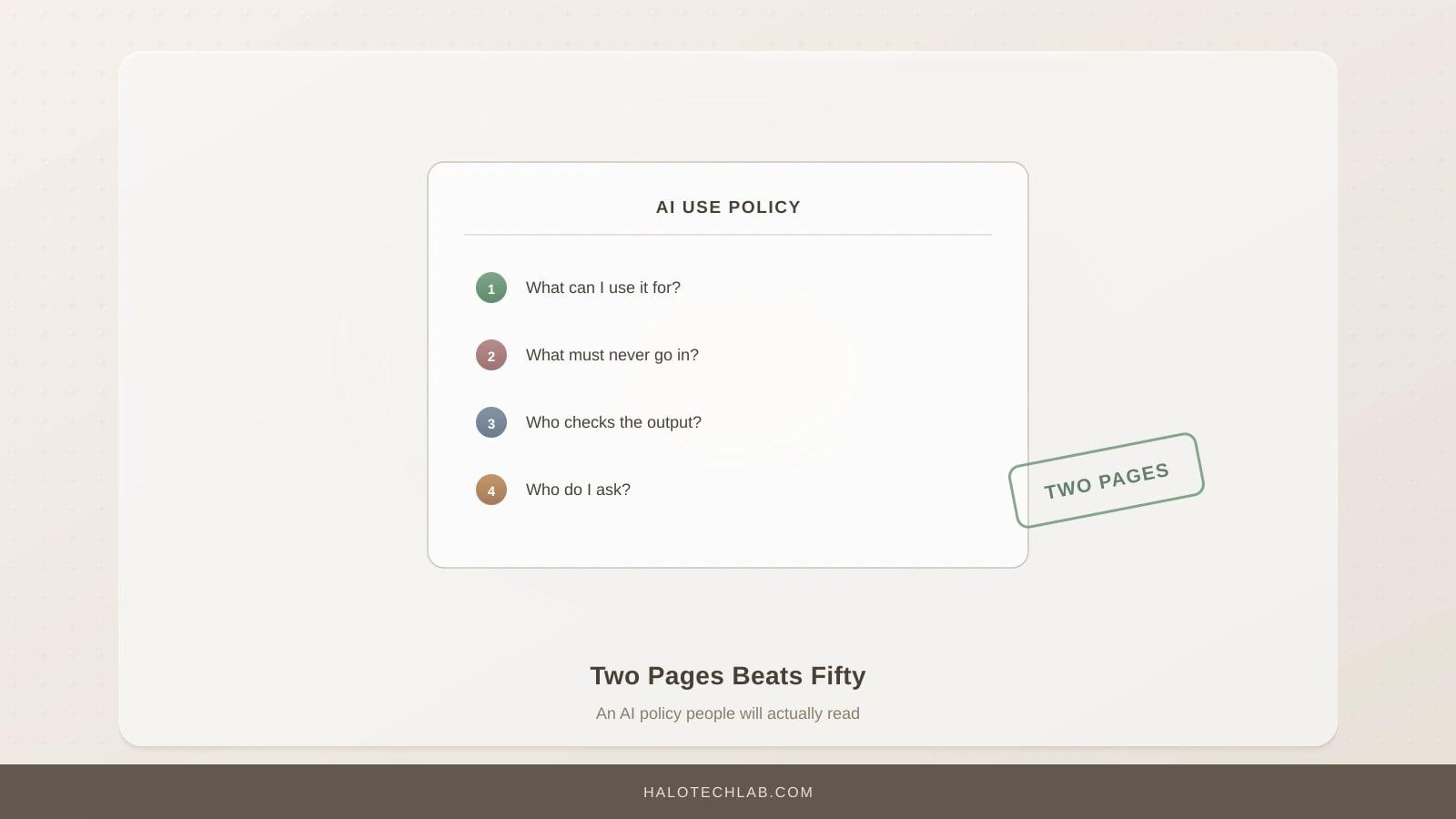
Most AI policies are written to be shown to somebody. They run to fifteen pages, they use the word "framework", and the people they govern have not read them.
A policy that works is two pages, answers the questions staff actually have, and can be understood by someone in a hurry. That is what this article gives you.
This article is part of our guide to AI training for UK businesses.
The four questions a policy has to answer
Everything else is decoration. If your policy answers these, it is doing its job.
- Which tools can I use?
- What can I never put into them?
- What do I have to check before it leaves the building?
- Who do I ask if I am not sure?
Staff do not need the regulatory background, the risk taxonomy or the governance structure. They need to know whether they can paste this email into that tool right now. A policy that makes them hunt for that answer will be ignored by the second week.
Decisions to make before you write anything
A policy is the output of decisions, not a substitute for them. Make these five first, and the writing takes twenty minutes.
Which tools are approved. Name them. Two or three is plenty. Include the tier, because the free and business tiers of the same product behave very differently.
What is prohibited outright. Specific categories, not "confidential information".
Where human sign-off is required. Anything going to a client, anything published, anything affecting an individual, anything going to a regulator.
Who owns it. A person, not a department.
What happens when someone gets it wrong. Decide this now, while nobody has. If the answer is punitive, nobody will report a near-miss and you will lose the early warning that matters most.
The template
Copy this, fill in the brackets, delete what does not apply. Two pages maximum.
AI USE POLICY
[Business name]          Version [1.0]          Date [ ]
Owner: [Name, role]      Next review: [date, six months out]

WHY THIS EXISTS
We use AI tools because they save time on real work. They also make
confident mistakes and they send whatever you type to somebody else's
computer. This page is how we get the benefit without the problems.
Ask [name] anything. No question is too obvious.

1. TOOLS YOU CAN USE
Approved:
  - [Tool, tier] for [what]. Paid for by us. Ask [name] for access.
  - [Tool, tier] for [what].
Not approved: anything else, including free versions of the above.
If you want to use something else, ask. The answer is often yes.

2. WHAT MUST NEVER GO IN
  - Named client or customer information
  - Unpublished financial information
  - Anything from HR, including anything about a colleague
  - Anything covered by an NDA or marked confidential by a client
  - Passwords, keys or credentials
  - [Sector-specific: patient data / case files / candidate details]
If you are unsure whether something is on this list, it is. Ask first.

3. BEFORE IT LEAVES THE BUILDING
Anything that goes to a client, gets published, or informs a decision
about a person must be read and checked by someone who knows the subject.
These tools produce fluent, confident, wrong answers. Assume every fact,
figure, name, date and quotation needs verifying, because it does.

Decisions about people (hiring, pricing, credit, service) must have a
named human who reviewed them and can explain the reasoning. "The system
suggested it" is not an explanation we can give a customer or a tribunal.

4. TELLING PEOPLE
If a customer is talking to an AI, we tell them.
[If publishing AI-assisted content: a named person reviews and takes
responsibility before anything goes out.]

5. IF SOMETHING GOES WRONG
Tell [name] straight away. Same day. We would far rather know within an
hour than find out in three months. Nobody has ever been in trouble for
reporting this quickly, and that is not going to change.

6. WHO DECIDED THIS
[Name] owns this policy. It was agreed on [date] and is reviewed every
six months. If a rule here is stopping you doing your job, say so and
we will look at it.
Why it is written like that
Second person, no defined terms. "What must never go in" rather than "prohibited data categories". If a reader has to hold a definition in their head, the rule will not survive a deadline.
The reason is given before the rule. People follow rules they understand and work around rules they do not.
The list is concrete. "Confidential information" requires a judgement call from someone in a hurry. "Anything from HR" does not.
Reporting is explicitly safe. This single paragraph does more for real-world risk than the rest of the document combined, because the early warning only exists if people use it.
It invites challenge. A policy that cannot be questioned gets quietly ignored instead, and you never find out which rule was unworkable.
What to leave out
The regulatory background. If you are in scope of the EU AI Act, that belongs in your risk register, not in the document staff read.
A list of approved prompts. It will be out of date before it is circulated, and it teaches procedure rather than judgement.
Technical explanation of how models work. That belongs in training, where someone can ask questions.
Anything you will not enforce. A rule nobody follows devalues the ones that matter.
Rolling it out
Do not email it. A policy circulated by email has been read by roughly nobody.
Cover it in fifteen minutes at the end of the training session, where someone can ask "what about..." and get an answer. Then put it where people work, not in a policy folder. Then, critically, have the named owner answer the first few questions well, because how those go determines whether anyone asks a sixth.
Review every six months. Tools change, and a policy naming a product you stopped using tells everyone the document is decorative.
Key Takeaways
- Two pages, answering four questions: which tools, what never goes in, what needs checking, who to ask.
- Make the decisions first. A policy is the record of decisions, not a replacement for making them.
- Replace "confidential information" with five specific categories. Vague rules fail under deadline pressure.
- Make near-miss reporting explicitly safe, in writing. It is the highest-value paragraph in the document.
- Roll it out in a session where people can ask questions. Emailing it achieves nothing.
Frequently Asked Questions
Do we need a separate policy or can this go in the staff handbook?
Either works, provided it is findable in under thirty seconds by someone who is mid-task. A standalone page pinned where people work usually beats a section in a handbook nobody opens.
What about contractors and freelancers?
Same policy, and make it part of the engagement. If you are in scope of the EU AI Act, the Article 4 literacy duty explicitly covers people operating AI on your behalf, not just employees. See Article 4.
Should the policy ban AI-generated code?
Not generally. A blanket ban is unenforceable and would put you at a disadvantage. What is worth requiring is human review before anything reaches production and a rule that credentials never go into a prompt, which are the two things that actually cause incidents.
How prescriptive should we be about which tools?
Prescriptive about the approved list, relaxed about additions. "These are approved, ask if you want another and the answer is often yes" gets you visibility. A closed list produces shadow AI, covered in shadow AI.
Want a policy written for your business rather than a template that fits nobody? Talk to Halo Technology Lab. Our support and training service includes the decisions session and the rollout, which is the part that determines whether it works.
Enjoyed this? Get the next one by email
Practical AI playbooks, build logs and tool teardowns. One email a week, free, unsubscribe in one click.
Related Articles
AI Security Risks for Small Businesses: The Five That Actually Bite
Forget rogue robots. The real risks are staff pasting client data into public tools, convincing phishing, and a chatbot that says something you are liable for.
AI CV Screening for Small Employers: What Works, What Is Risky, What Is Illegal
Automated screening can save a hiring manager days and can also land you in a tribunal. Where the line sits under UK law, and how to use it without crossing it.
AI and Machine Learning Marketing Terms, Explained Without the Spin
Vendors use twenty words for four ideas. What agentic, multimodal, fine-tuned, RAG, inference and the rest actually mean, and which ones should make you ask a follow-up question.